-1.png?width=80&height=80&name=LAICFULL%20(1)-1.png)
1.Go to the shop link: (https://laicollege.edu.ph/shop/)
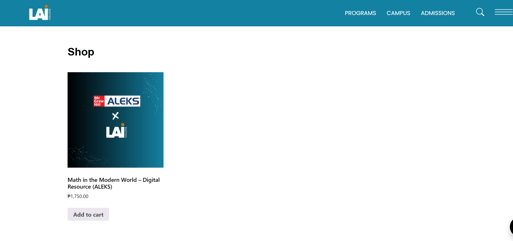
2. Browse the shop, select Math in the Modern World Digital Resource Product, and add it to your cart. Click the view your cart button and it will lead you to the cart page.
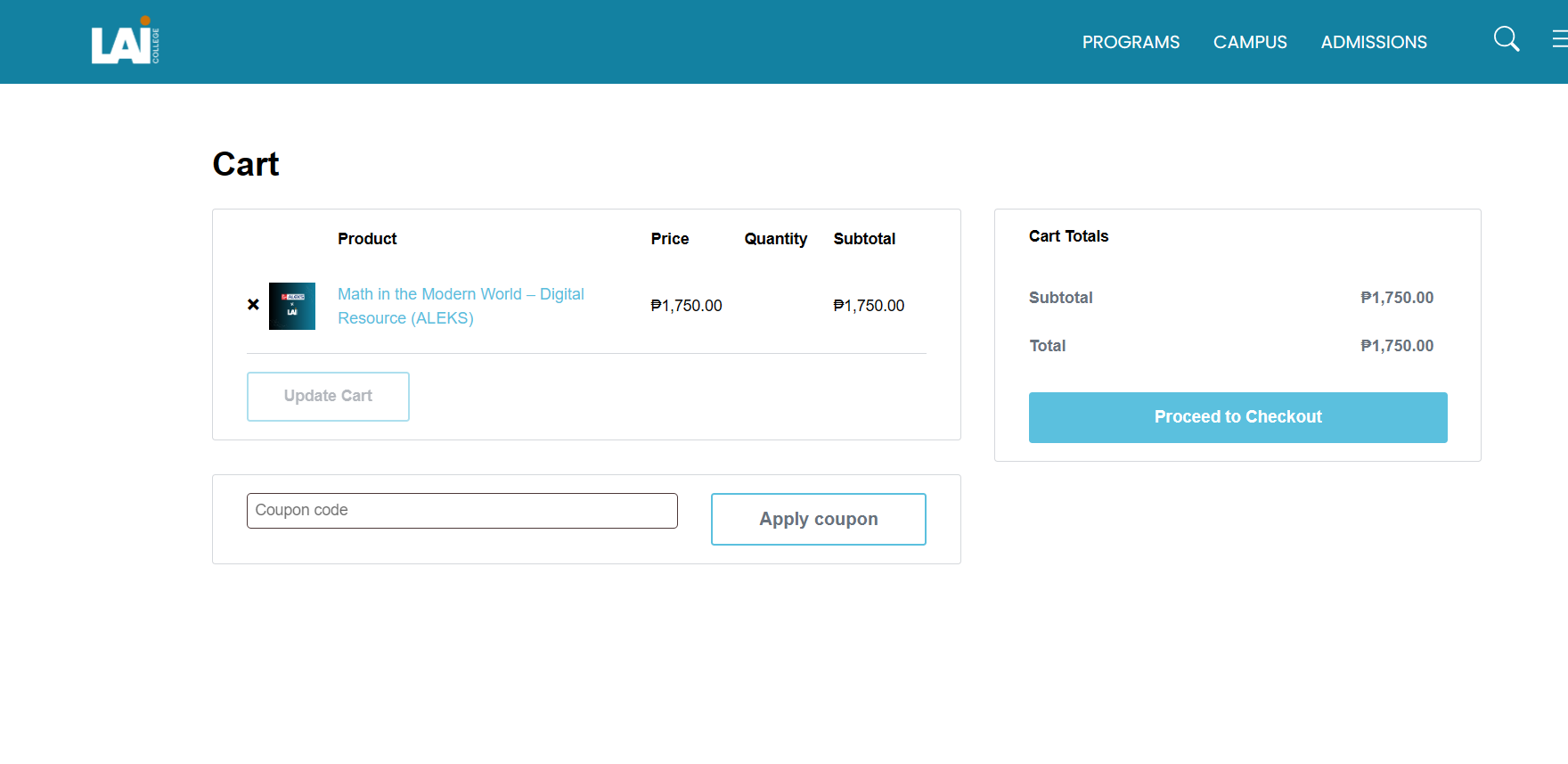
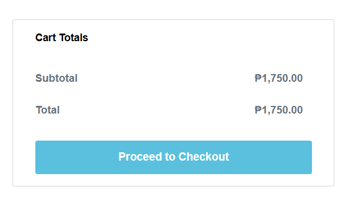
3. Click Proceed to Checkout.
4. On the checkout page, fill in your billing details and select your preferred test payment option.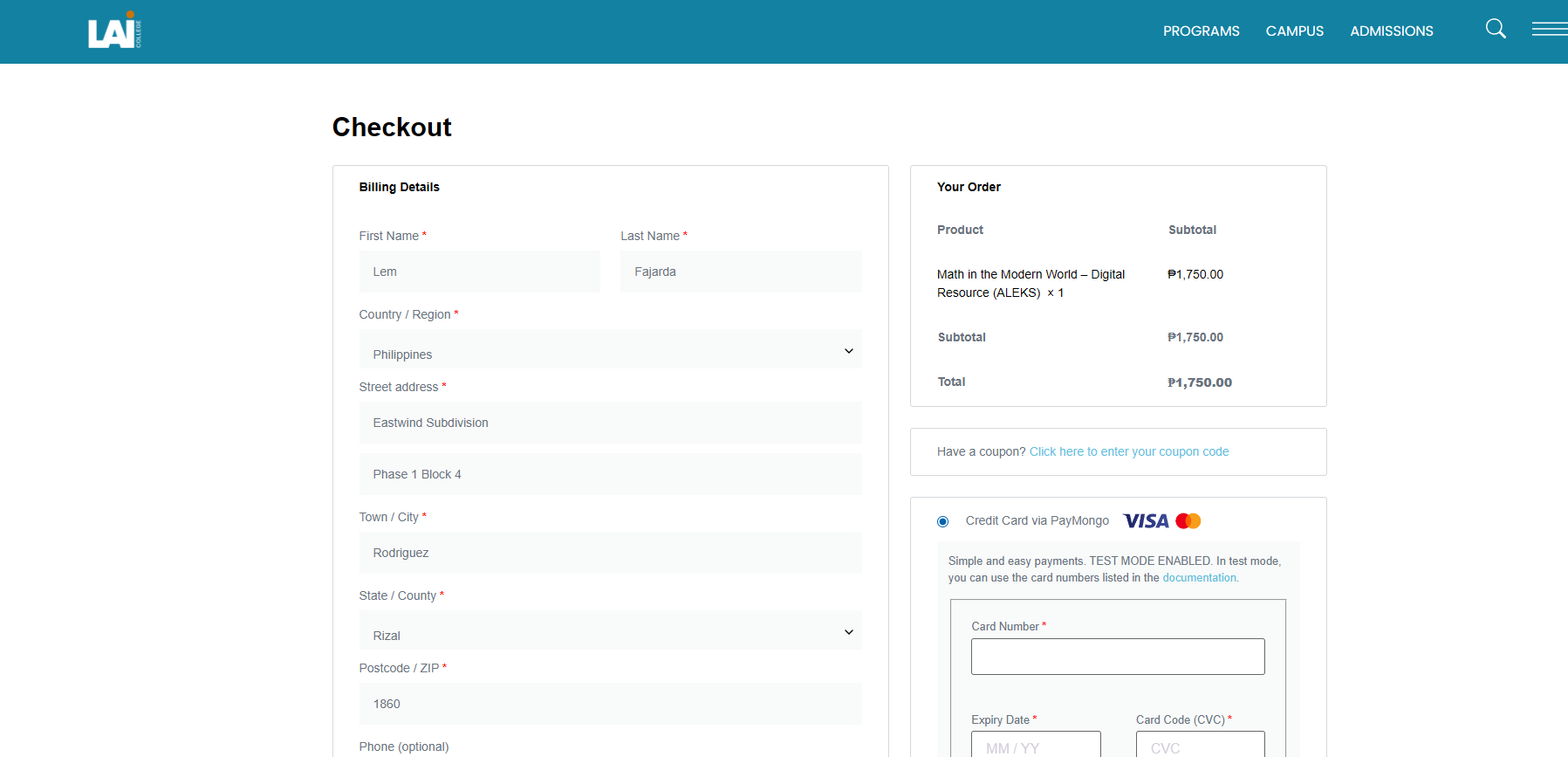
4.1 These are the payment options you can test.
4.1.1 Test Payment Option for Credit Card Via Paymongo

You can get the card numbers in here.
https://developers.paymongo.com/docs/testing
You can get the card numbers in here.
https://developers.paymongo.com/docs/testing
4.1.2.Test Payment Option for Maya Via Paymongo

you just need to authorize the test payment
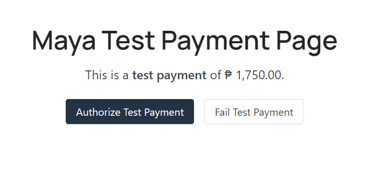
4.1.3.Test Payment Option for BPI DOB Via Paymongo

4.1.3.1 You just need to select an test account
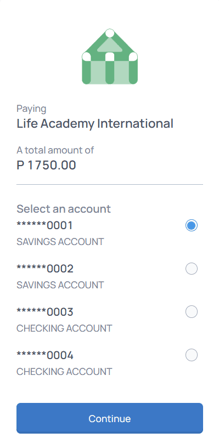
4.1.3.2 After selecting an account, Click the Pay button
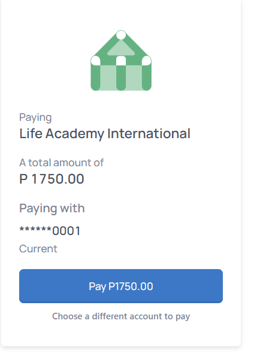
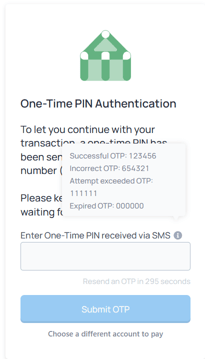
4.1.3.3 Then the Otp authentication prompt will appear. You just need to hover on the information icon beside the "Enter One-Time PIN received via SMS" text.
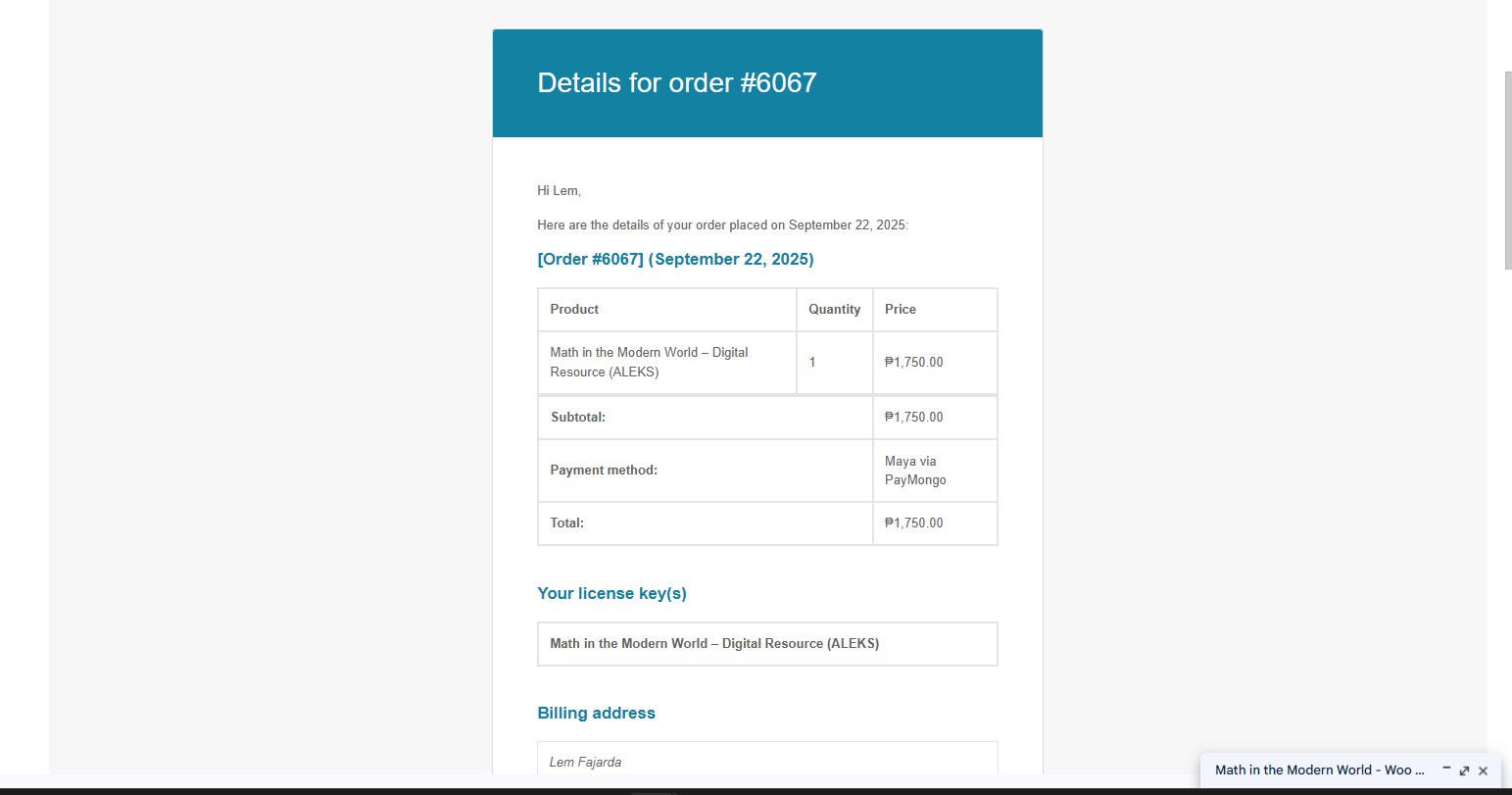
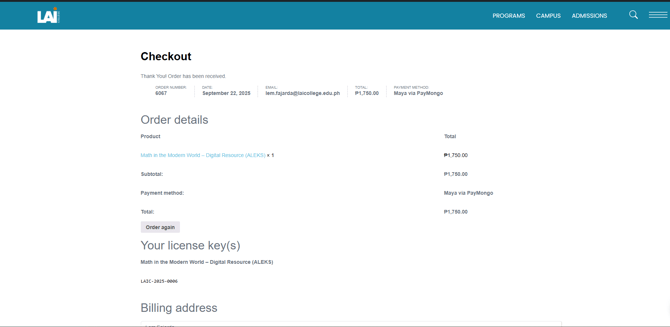
5. Once your payment is successful, you’ll see an order receipt on the screen.
4.1.3.1 You just need to select an test account
4.1.3.2 After selecting an account, Click the Pay button
4.1.3.3 Then the Otp authentication prompt will appear. You just need to hover on the information icon beside the "Enter One-Time PIN received via SMS" text.
5. Once your payment is successful, you’ll see an order receipt on the screen.
You’ll also receive the order details in your email.